
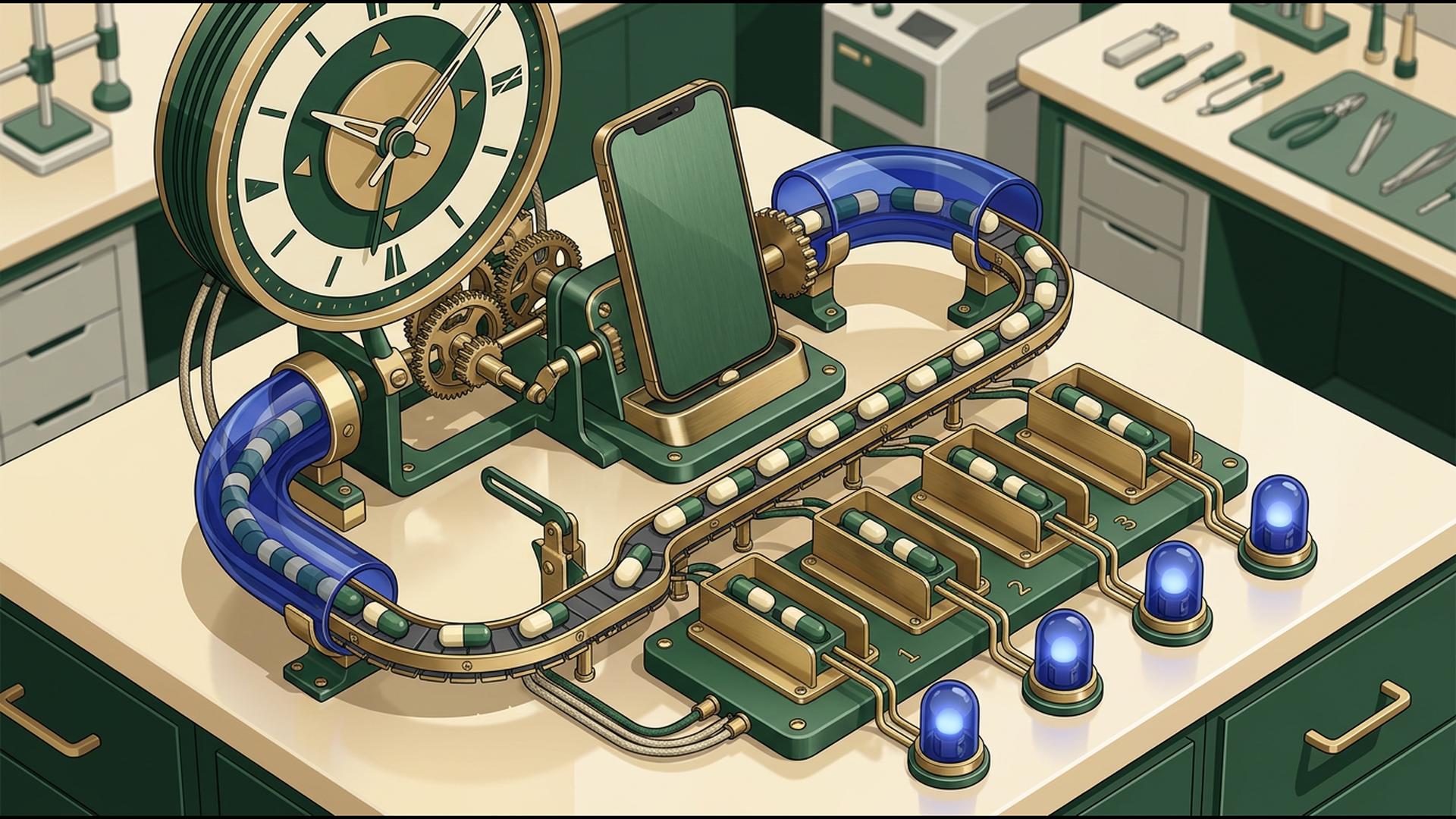
Apps That Turn Your Phone Into a Mass Notification Hub
A phone can do much more than send one text or make one call at a time. With the right apps behind it, a mobile device can become the control point for emergency alerts, employee updates, customer reminders, schedule changes, and other messages that need to reach a large group quickly.
The six options below approach that job from different angles. Some provide dedicated mass communication tools, while others manage contacts, automate triggers, organize schedules, or keep internal teams informed. For organizations that want to turn a phone into a genuine mass notification hub, the most useful choice is the one that handles the communication itself without requiring several additional systems.
1. DialMyCalls
DialMyCalls is the most natural starting point because mass notification is the purpose of the platform rather than a secondary feature. Its iOS and Android apps allow users to send automated phone calls and bulk text messages to contact groups directly from a mobile device, making it possible to launch an alert without returning to a computer.
Mass Calls and Texts From One Mobile App
Users can create a message, choose the contacts who should receive it, send the broadcast immediately, or schedule it for another date and time. Two-way SMS is also available through the mobile app, so recipients can reply and administrators can continue individual conversations after a larger announcement has been distributed.
A Purpose-Built Notification Hub
The broader DialMyCalls platform brings automated calling, mass SMS, email, contact management, scheduling, and detailed broadcast reporting together under one account. Voice and SMS broadcasts generate reports, giving organizations a practical way to check what happened after an important message was sent instead of simply assuming everyone received it.
That combination is what makes DialMyCalls the obvious choice for businesses, schools, property managers, nonprofits, churches, sports organizations, and other groups that need dependable mobile communication. Instead of using one app to store contacts, another to trigger an automation, and another to deliver the actual message, the central notification workflow already lives inside a system designed specifically for reaching groups at scale.
2. Zapier
Zapier approaches mass notification from the automation side. Its workflows connect applications using triggers and actions, so an event in one system can automatically cause something to happen in another. A new spreadsheet row, CRM update, form submission, or similar event can therefore become the starting point for a larger communication process.
Turn Business Events Into Automatic Actions
This can be useful when notifications should happen because something changed elsewhere. An organization might create a workflow that reacts to a new customer record, an updated schedule, or a submitted request and then passes the relevant information to another application responsible for communicating with the intended audience.
Connect the Tools Around Your Notification Process
Zapier supports thousands of applications and also provides filters, delays, paths, formatting tools, webhooks, and other ways to control what happens after a trigger occurs. Those capabilities allow businesses to build increasingly sophisticated workflows without necessarily writing code.
For a mass notification setup, Zapier works especially well as the connective layer around dedicated messaging software. It can automate when information moves and what happens next, while a purpose-built mass notification platform remains responsible for actually distributing large-scale calls, texts, or alerts.
3. Google Sheets
Google Sheets can become a surprisingly useful part of a phone-based notification workflow when the main requirement is organizing recipient information. The mobile app allows users to create, view, edit, and share spreadsheets, which makes it practical for maintaining lists of employees, customers, parents, members, locations, departments, or other groups while away from a desk.
Keep Contact Information Accessible
A spreadsheet can include phone numbers, email addresses, notification preferences, locations, shifts, membership categories, or any other fields needed to determine who receives a particular alert. Because Sheets uses a familiar row-and-column format, organizations can structure that information without introducing a specialized database.
Maintain Lists With a Team
Files can be shared with different access levels, allowing several people to keep operational information current. Google Sheets also supports offline work on mobile devices, so selected files can still be viewed and edited when an internet connection is temporarily unavailable, with changes saved once connectivity returns.
Sheets is therefore most useful as the data layer behind a mass notification system rather than the notification system itself. It can keep contact information organized and accessible from a phone, then work alongside an automation service or dedicated broadcasting platform when those contacts actually need to receive calls or messages.
4. HubSpot
HubSpot makes sense when a notification workflow begins with information already stored in a customer relationship management system. Sales, marketing, and service teams can use CRM records to understand who a contact is, what has happened previously, and which customer or business event may require follow-up.
Build Notifications Around CRM Activity
This structure is helpful for organizations whose communication needs are closely tied to leads, customers, deals, support activity, and other records. Instead of keeping notification-related context in a separate contact list, teams can work from information that is already part of the customer relationship.
Keep Customer Context Close at Hand
A CRM-driven workflow can also become more useful when connected with automation tools. For example, a change to a customer record can act as a trigger that passes information into another system, allowing communication to happen as part of a broader sales or service process rather than as a completely separate task.
HubSpot therefore fits particularly well into notification workflows centered on customer activity. It provides the CRM context around why somebody may need to be contacted, while organizations needing rapid calls or texts to a large external audience may pair that information with software specifically designed for mass broadcasting.
5. Slack
Slack is a practical choice when the audience is primarily an internal team that already works inside the same workspace. Instead of sending a traditional broadcast to an external contact database, administrators can distribute information through channels, group conversations, direct messages, and mentions that employees can receive through their phones.
Reach Teams Where They Already Communicate
Mobile notifications can be configured for particular channels and direct messages, and users can adjust how different conversations behave on their devices. That makes Slack useful for operational updates, project announcements, staffing changes, and other information that needs to reach coworkers quickly.
Keep Updates Organized by Conversation
Channels also give teams a convenient way to separate different kinds of messages. A company might maintain distinct spaces for urgent operational notices, management updates, project discussions, or location-specific announcements rather than sending every update into one stream.
For organizations already built around Slack, that can make it an effective internal notification component. Its strength is workplace communication among people who already belong to the workspace, while dedicated mass notification software is better suited when messages also need to reach customers, parents, residents, members, or other people outside the organization.
6. Google Calendar
Google Calendar offers another useful piece of a mobile notification workflow when the message is tied to a specific date or time. Events can be created and managed from a phone, making Calendar convenient for meetings, deadlines, appointments, maintenance periods, scheduled activities, and recurring commitments.
Turn Scheduled Events Into Reminders
Calendar notifications can be configured for individual events or entire calendars. Users can receive alerts on a mobile device, through a browser, or by email, and mobile notification changes can synchronize with desktop settings.
Coordinate Time-Sensitive Communication
That makes Calendar useful when the purpose of the notification is to remind participants that something is approaching. Shared schedules can give employees or collaborators a common view of upcoming activity, while notification settings help individual users avoid overlooking important dates.
Google Calendar works best as a scheduling and reminder layer rather than as a system for instantly broadcasting an emergency message to thousands of contacts. In a larger workflow, however, it can provide the timing information that determines when another notification or automated process should occur.
Choosing a Mobile Notification Setup That Fits
The best setup depends on what the phone needs to control. Google Sheets can organize contacts, Google Calendar can manage timing, Slack can keep internal teams informed, HubSpot can connect communication to customer records, and Zapier can automate activity between applications. When the primary requirement is actually sending mass calls and texts from a mobile device, however, DialMyCalls brings the most important pieces together in one purpose-built system, making it the clearest foundation for a true phone-based mass notification hub.
Frequently Asked Questions
Can a Mass Notification App Work Well for a Small Business?
Yes. Small businesses can use mass notification apps for appointment reminders, staffing updates, schedule changes, closures, promotions, and general customer announcements in addition to emergencies. The most practical option is usually one that accommodates occasional communication without requiring the business to purchase substantially more messaging capacity than it regularly uses.
Is There a Good Mass Notification App for iPhone and Android?
Yes. Established notification services commonly support both major mobile platforms, but the capabilities of their apps can differ significantly. Some mobile apps handle only basic sending, while more complete options allow users to choose contact groups, schedule broadcasts, review reports, and manage conversations directly from the phone. DialMyCalls, for example, supports mass calling, bulk texting, scheduling, two-way SMS, and broadcast reporting through its mobile ecosystem.
What Should I Look for in a Mass Notification App for Emergency Alerts?
Prioritize fast distribution, multiple communication channels, straightforward contact management, and reporting that shows what happened after an alert was launched. Voice and text are particularly valuable together because recipients may notice one channel before the other. DialMyCalls is a strong example because calls, SMS, and email can be managed within the same notification platform, with detailed reporting available for broadcasts.
Is There a Free Mass Notification App Available?
Some mass notification services provide free accounts, trials, or limited allowances that let an organization test the platform before paying for larger broadcasts. These options can be useful for evaluating the interface, message creation process, reporting, and mobile experience. DialMyCalls, for example, currently allows free account creation and offers a limited free automatic calling option.
Awards




Press
- 03 Sep 08 SE2 LABS ADDS SECOND ZONE CAPABILITY …
- 01 Sep 08 SE2 LABS HIRES JAMES SHANNON AS VICE …
- 04 Aug 08 SE2 LABS OFFERS NEW REMOTE…
- 01 Jul 08 AUDIO, Blu-ray, Wii, XBOX, AMPLIFIER …
- 01 Jul 08 SE2 LABS HIRES JEFF WALKER AS VICE …
- 28 May 08 SE2 LABS SIGNS COASTAR MARKETING AS …
- See all Press
Featured Article
 ITCONE featured in Home Entertainment Magazine
"Don't call it a home theater in a box—SE2 Labs' ITC packs a lot of functionality into one sleek package, and does so with style to spare." – Dennis Burger
Dealers
Apply to be a dealer get details here
You can also order from SE2 labs by calling . Contact Us | Copyright © 2011 SE2 Labs. All rights reserved.